If you have plenty of audio files scattered all over your storage drive, it can be quite difficult to listen to music using regular audio players. In such audio players, you usually have to create playlists if you want to play music from more than one folder. 1by1 promises to take care of that problem, so let's check it out.
A lightweight folder player
1by1 is a completely free music player for Windows. Its main feature is that you are able to search for music more easily than ever. If your music files are scattered all around your computer, 1by1 can make it easier to scroll through different folders. It's quite lightweight, but it still manages to provide many useful features.Navigating without playlists
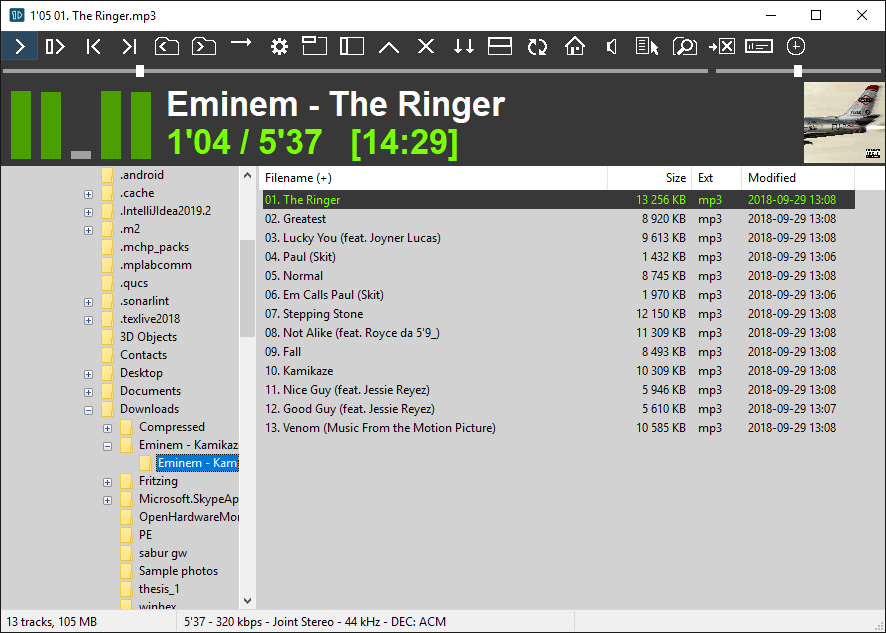
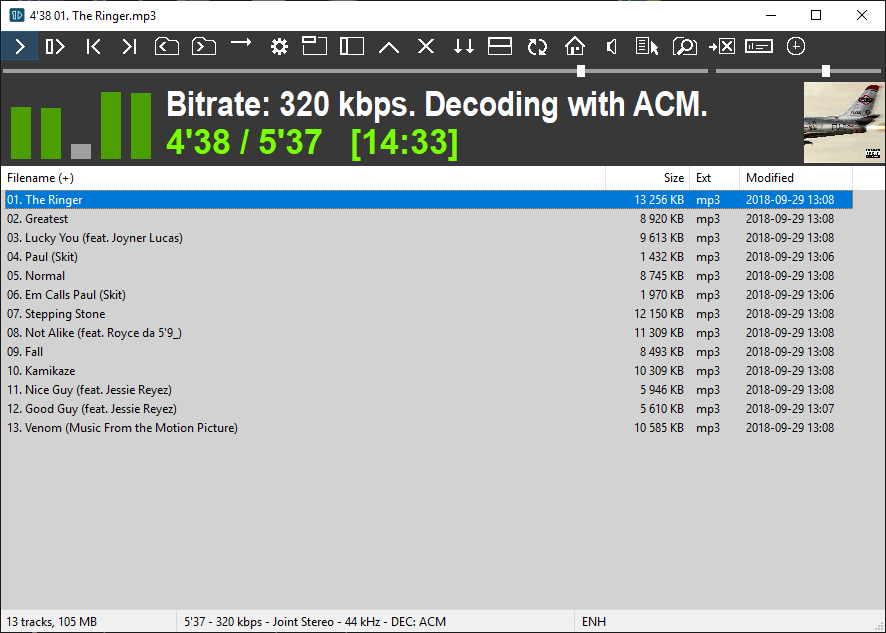
It doesn't force you to use playlists, artists, or albums. Instead, you can easily see the audio content of the folder you have navigated to. Once you've finished with that folder, you can skip to the next folder containing audio files with a single click of a button. You can switch between different views and even use the neat Compact view.Audio tools and interface
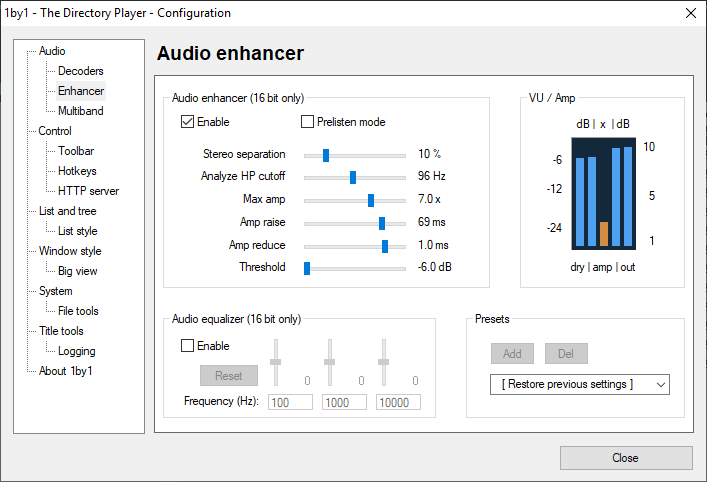
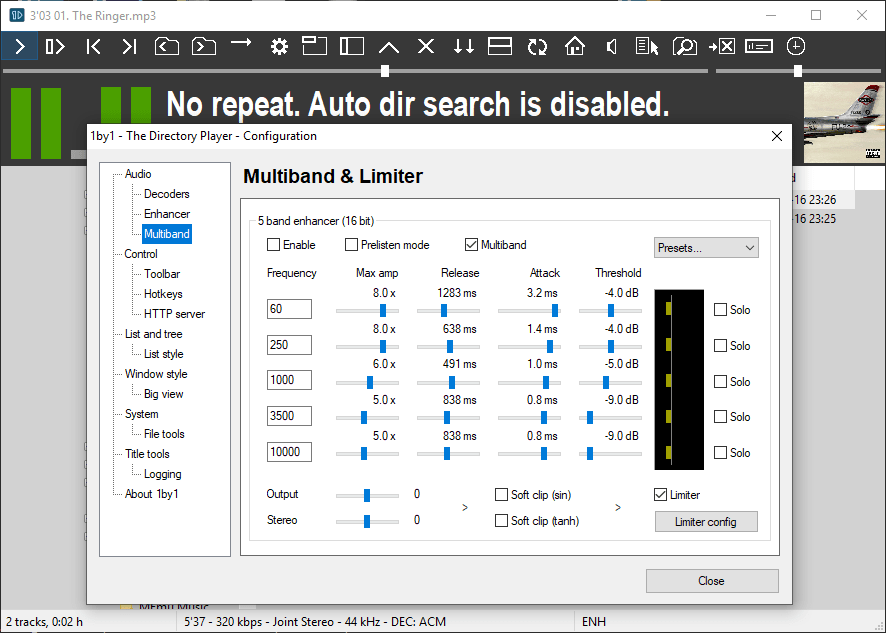
You will find out that, despite being lightweight, it provides many useful features such as a Multiband & Limiter, Equalizer, Enhancer, etc. Navigating through its settings, you will find that you can edit many things to your liking. The app's design is up for discussion, though. There are many confusing buttons at the top of the window, and you basically operate the app using them.The directory player
The rest of the program feels like Windows Explorer. You navigate through folders exactly as you would in the OS. That is why 1by1 is also referred to as The Directory Player! As an audio player, it doesn't really look like something that can replace mainstream alternatives. Its directory-based playback will sound interesting to some users, though.